ArtCraft AI: What It Is, Download and Getting Started
Learn what ArtCraft AI does, find official Windows, Mac and web options, and follow a photo-to-video tutorial. Includes costs and the seven Crafting Apps.
Last checked: October 10, 2026. ArtCraft is an open-source creative studio for AI images and video. This guide explains what ArtCraft does, where to download it, and how to turn a photo into your first short clip. It also explains the related Crafting Apps, which have their own purposes and release stages.
What is ArtCraft AI?
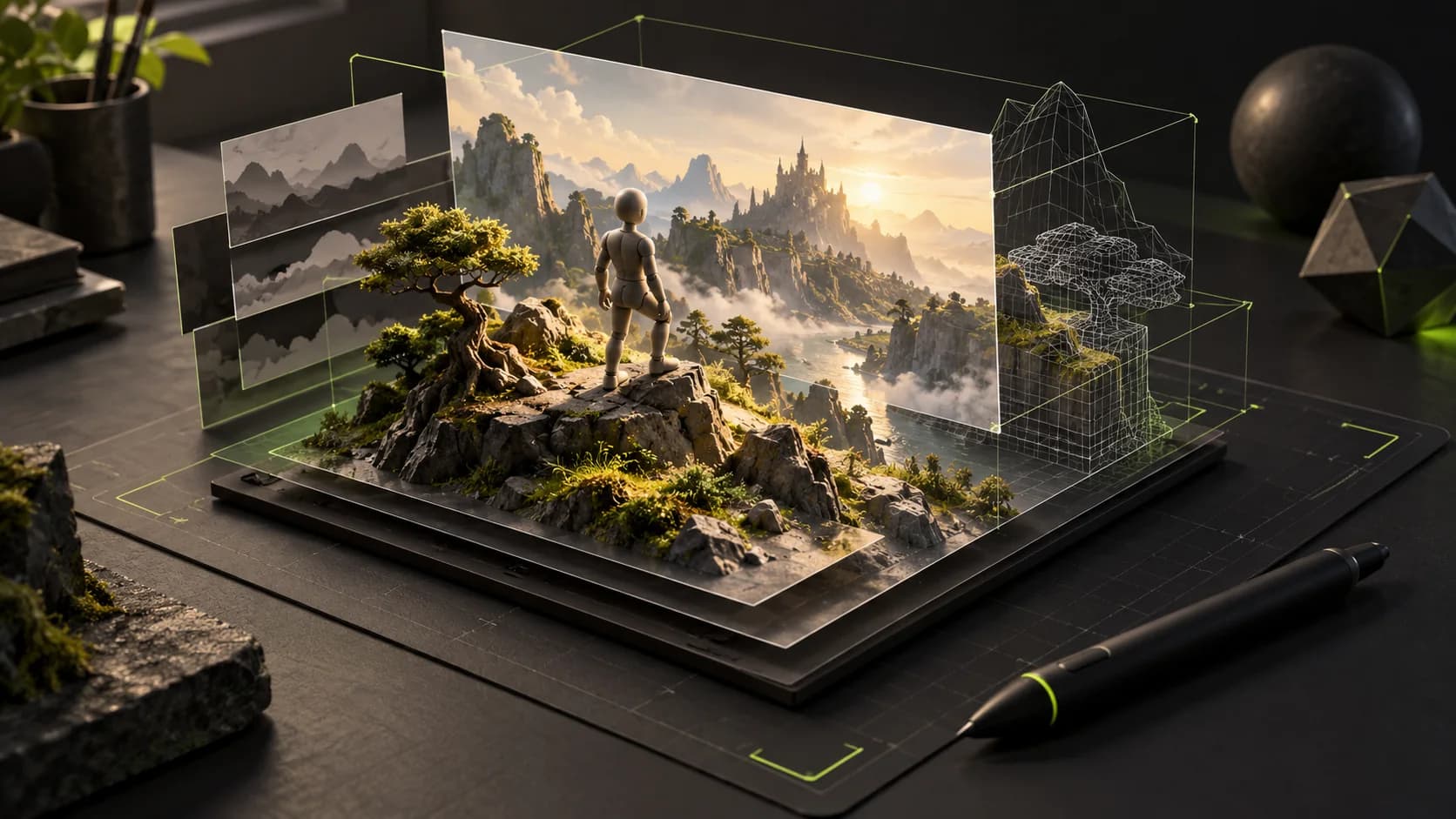
ArtCraft is a creative workspace for artists, designers and filmmakers. You can arrange image layers, stage a scene in 3D, position characters and cameras, then use a generation model to render the idea. The emphasis is on giving the model visual instructions alongside a text prompt. Official project overview.
ArtCraft is a tool that brings workflows and models together. It is not the name of a single video model. Its desktop studio, browser studio and separate Crafting Apps should also be distinguished when choosing a download.
For a product creator, a useful starting task is to arrange a product and background in the canvas, refine the still image, and animate it into a short shot. For a filmmaker, the 3D editor can help plan a character's pose and camera framing before generation. These are suggested workflows, not results from our own ArtCraft benchmark.
What can you create with ArtCraft?
- 2D compositions: arrange references, draw a rough layout and use masks to guide local edits. The official canvas guide describes storyboards and product mockups as uses. 2D canvas guide.
- 3D shot planning: place a subject, adjust its pose and set the camera before rendering. This provides visual guidance for framing; inspect generated results for unwanted changes. 3D editor guide.
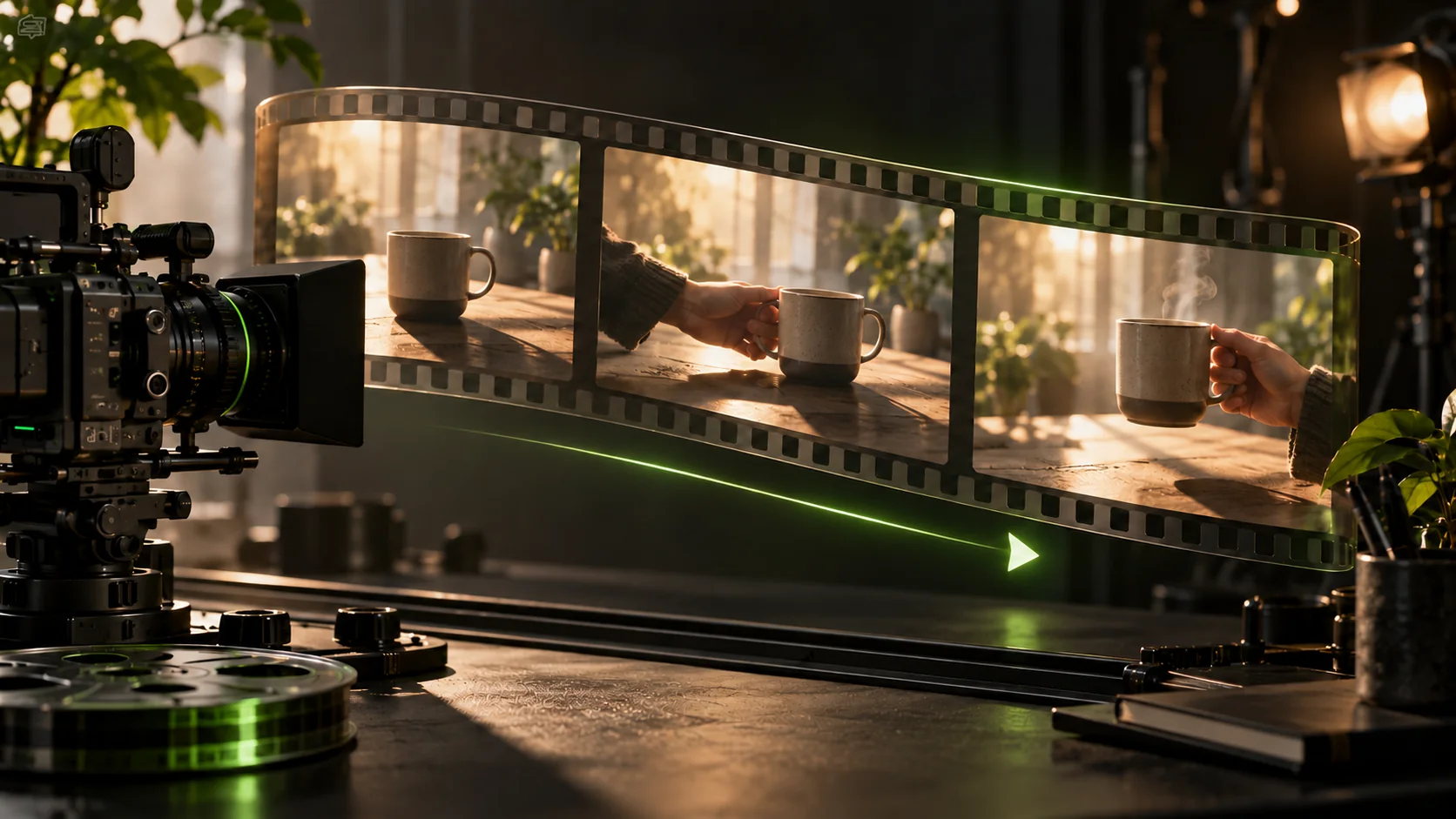
- Image-to-video: animate a photo or generated image, with the available model's duration and motion options. Video workflow.
Model availability changes. The repository lists some models as disabled or unavailable in the desktop app; a name in the catalog is not a promise that you can use it in every version. Check the live model picker before planning a project.
ArtCraft download: official desktop and web options
Use the official download page as the starting point. As checked on October 10, it links to ArtCraft v0.41.0. The corresponding GitHub release was published on September 26, 2026; that is the software release date, not this article's publication date. Release and installer files.
| Option | Official entry | What to select |
|---|---|---|
| Web | Open the browser studio | Start without installing the desktop app |
| Windows | Desktop download | Windows installer; v0.41.0 includes an x64 setup EXE and MSI |
| macOS | Desktop download | Mac installer; v0.41.0 provides a universal DMG |
| Source code | Official repository | Developer setup, including Linux builds from source |
The download page lists Windows 10 64-bit or newer and macOS 12.0 or newer, with 8 GB RAM recommended and 2 GB storage. The current studio release has no ready-made Linux installer in its asset list; Linux support for a separate Crafting App does not establish Linux installer support for the AI studio.
Install on Windows or macOS
- Open the official download page and choose your operating system.
- On Windows, run the setup EXE and follow the installer. On macOS, open the DMG and install the app using the instructions shown in the disk image.
- Launch ArtCraft and create an account or sign in when prompted.
- If a download link changes, return to the official release page and expand Assets. Choose the installer, rather than the source-code archive. The website and GitHub are the verified download routes in this guide.
If you only want to try a first image or clip, the browser studio is the quickest place to start. Desktop installation alone does not mean cloud models will run offline.
ArtCraft tutorial: turn a photo into a video
This starter exercise follows the official image-to-video workflow. Button names and settings may vary by version and model; we have verified the documentation, not run a paid generation for this article.
- Open the studio and sign in. Use the browser app or installed desktop studio. Check which generation service and balance the selected workflow uses.
- Choose a clear starting image. A well-lit product photo with one visible subject is a manageable first test. If you need to fix the layout first, arrange it in the 2D canvas and refine a small masked area rather than repeatedly replacing the whole image.
- Choose image-to-video and an available model. Set an available duration and output format. For an initial test, prefer a short clip and modest output settings so a revision is less expensive.
- Describe one action. Give the model a clear subject movement or camera movement. Avoid combining several cuts and unrelated actions in the first attempt.
- Check the quoted cost, then generate. Review the product's shape, motion and framing. Change one instruction at a time if the result needs work.
- Export and keep a copy. The official workflow includes reviewing and exporting the result. Use the download or export option available in your version before moving the clip into an edit. Official image-to-video instructions.
An original prompt to adapt to your own photo:
A ceramic mug rests on a wooden table beside a window. The camera moves slowly closer while soft steam rises. Keep the mug's shape and decoration consistent. Warm morning light, one continuous shot, gentle motion.
The prompt is an example, not a guarantee of object consistency. Review the result before using it in an advertisement.
Is ArtCraft free? Does video generation cost money?
The studio is offered as free, open-source software, and an ArtCraft subscription is not required to use it. Generation costs are a separate question. The official pricing page offers subscriptions with credits and one-time credit packs, and says users can bring their own compute or third-party subscriptions. The available connections and billing conditions should be checked in your app. ArtCraft pricing.
Do not interpret “free download” as unlimited free cloud video generation. Before submitting, confirm the selected service, available credits and quoted cost. ArtCraft credits and accounts are separate from InstantVid credits and accounts.
What are PhotoCraft, FilmCraft and the other Crafting Apps?
The ArtCraft team also lists seven separate open-source creative apps. The official lineup currently labels them early alpha or in development, even where installers are available. Crafting Apps and current stages.
| App | Main purpose | Listed stage |
|---|---|---|
| PhotoCraft | Image editing | Early alpha |
| VectorCraft | Vector illustration | In development |
| FilmCraft | Video editing | In development |
| LightCraft | Photo library and RAW development | In development |
| PdfCraft | PDF tools | Early alpha |
| EffectCraft | Motion graphics and visual effects | In development |
| DesignCraft | Page layout and publishing | In development |
If a post about “ArtCraft tools” brought you here, check which app it refers to. Download the AI studio for AI generation workflows; follow the relevant app page for a specific editing task. Early builds should be evaluated on a small copy of a project before relying on them for a delivery.
Where should a beginner start?
Try one photo and one short motion prompt in the browser studio, then explore the canvas and 3D editor when you need more control. The linked official guides are the next reference for each workflow.
This is an independent introduction to a third-party tool. InstantVid has not integrated ArtCraft. If you want to generate a video using your InstantVid account, open the video creator and choose a model currently offered there. You can also browse AI tools and model news.
Sources & further reading
Sources reviewed Oct 10, 2026
- ArtCraft official project and supported workflows
- ArtCraft official download and requirements
- ArtCraft v0.41.0 release and installer assetsSource published
- ArtCraft 2D canvas guide
- ArtCraft 3D editor guide
- ArtCraft image-to-video guide
- ArtCraft pricing and generation credits
- Crafting Apps official lineup and development stages