Vidu Q4 Preview: 4K, Native Audio, Tutorial & Pricing
Explore Vidu Q4 Preview: 4K video, native audio, a step-by-step tutorial, prompts, Vidu API vs fal pricing and release news checked October 11, 2026.
Updated and pricing checked: October 11, 2026. ShengShu Technology launched Vidu Q4 Preview on October 7, bringing up to 4K output, native audio and image-and-voice references to its next-generation video model. This guide explains the capabilities, a first-video workflow, provider pricing and confirmed release news. Official launch announcement.
What is Vidu Q4 Preview?
Vidu Q4 Preview is a flagship preview model from ShengShu Technology's Vidu family, aimed at advertising, short dramas, social videos and cinematic shots. It combines character performance, sound and camera direction in a generation workflow that starts from product photos, character designs or scene images. Official model overview.
Its main features include:
- Up to 4K output: 2K and 4K options; the launch announcement also describes 10-bit color for workflows where visual detail matters.
- Native audio: dialogue and sound effects can be generated alongside the picture. Voice references guide a character's vocal identity and delivery.
- Image and voice references: the direct reference API accepts up to 15 images and three audio clips to combine characters, clothing, products and environments.
- Performance and camera control: the developer highlights expressions, movement, lighting, effects and camera moves and cuts that follow the action. Developer release notes.
How much faster is generation?
Vidu's October 7 update log lists faster generation and lower production costs among the improvements. It does not provide a fixed completion time covering every resolution, duration and queue. We have not run a paid Q4 speed benchmark for this guide. Measure submission-to-completion time with matching settings when comparing models; the number of retries also affects practical production speed.
Image-to-video or reference-to-video?
| Mode | Suitable starting task | Main inputs |
|---|---|---|
| Image-to-Video | Animate a product photo, portrait or composition | One first-frame image and a motion prompt |
| Reference-to-Video | Combine characters, wardrobe, props, scenes and voices | Multiple images, with optional voice references |
Both direct API modes currently accept 3–16 seconds and offer 540p, 720p, 1080p, 2K and 4K. The website describes a 1–16 second range for reference generation, but follow the API's three-second minimum when submitting through that endpoint.
Provider limits differ. The Vidu reference API accepts 1–15 images and 0–3 audio references; the fal reference endpoint currently allows up to 12 images and three voice clips. Voice clips are MP3, 3–12 seconds each, up to 50 MB. Prepare assets for the provider you choose.
Vidu Q4 Preview tutorial: create your first video
This is an editorial starter workflow. The prompts below are original examples, not Q4 test results.
- Open a generator. Start from the official Vidu model page, or use fal's Q4 image-to-video playground. Sign in and check the balance and quoted cost.
- Upload a clear image. Use a product photo or a composition with the full subject visible. The fal workflow below accepts formats including PNG, JPEG and WebP, with a documented 50 MB image limit. Prepare a portrait composition for a portrait clip. Input requirements.
- Describe action, camera and sound. Begin with one main action and a clear sequence. Expand More in the playground and start with five seconds at 720p before committing to a higher resolution.
- Check the price and generate. Review the subject's shape, camera direction, dialogue and sound. Change one main element at a time when refining the prompt so the effect of each revision is easier to assess.
- Download and save. Click Download when satisfied, keep a local copy, then edit or share it. Vidu's direct API documents a 24-hour validity period for result links, so save outputs promptly. Result documentation.
A product-video prompt to adapt
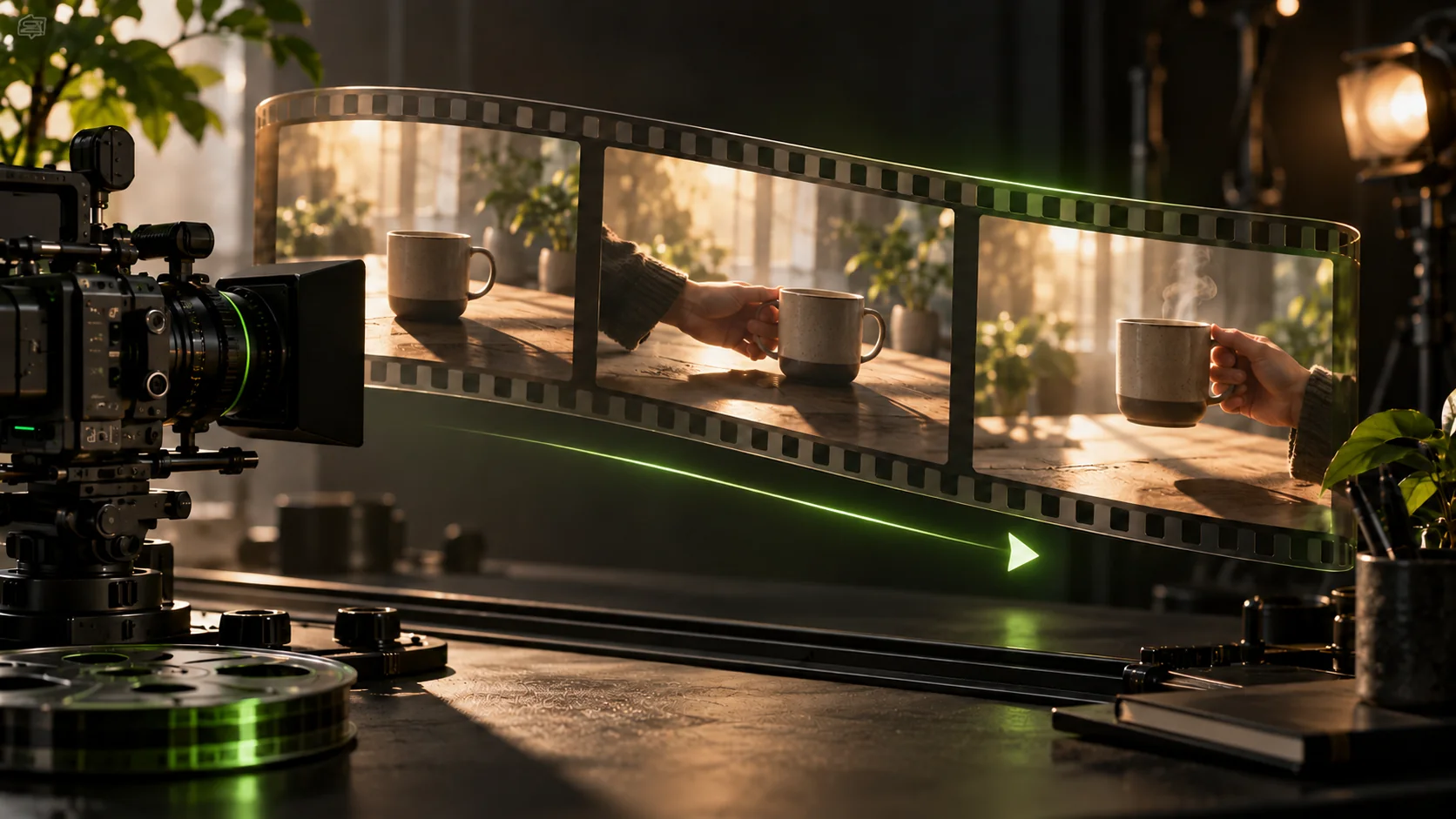
A ceramic coffee cup sits beside a sunlit kitchen window. A hand lifts the cup slowly while steam curls upward. The camera gently pushes closer in one continuous shot. Warm morning light, quiet room ambience and a soft ceramic sound. Keep the cup's shape and decoration consistent.
The prompt sets a subject, one action, a camera move, lighting and sound. Replace the cup with your product while keeping those elements clear. Check shape, markings and material before extending the shot. The cover is an editorial illustration, not a Q4 output from this prompt.
How to use image and voice references
In fal's reference playground, upload a character image and a scene image, then optionally add a voice clip you have permission to use. Image tags include [@reference_image_1] and [@reference_image_2]; the voice tag is [reference_audio_1]. For example:
The character in [@reference_image_1] stands in the room shown in [@reference_image_2], turns toward the window and says “Good morning” using [reference_audio_1]. Gentle camera push-in, morning light and quiet room ambience.
Start with two or three complementary images. The fal reference endpoint has an audio switch for sound or silence; its image endpoint currently does not expose that same field. Follow each endpoint's own parameter documentation.
Developer entry points
Vidu uses the model identifier viduq4-preview with creation routes /ent/v2/img2video and /ent/v2/reference2video. The fal model paths are fal-ai/vidu/q4/image-to-video and fal-ai/vidu/q4/reference-to-video. Keep keys on the server and retrieve completed outputs through task status. Do not copy input fields between providers without checking their schemas. fal image API.
Vidu Q4 Preview pricing comparison
These are provider generation costs checked on October 11, 2026, rather than InstantVid retail prices or credit deductions. Calculate a clip as its per-second rate multiplied by output duration. Editing, storage and other services are outside these figures.
fal: USD rates and the launch discount
The image and reference playgrounds show matching rates with 30% off through November 30, 2026. The reference page also states that enabling audio does not change the price. Image pricing, reference pricing.
| Resolution | Regular USD/second | Promotion USD/second | 5 seconds, promotion |
|---|---|---|---|
| 540p | $0.045 | $0.0315 | $0.1575 |
| 720p | $0.095 | $0.0665 | $0.3325 |
| 1080p | $0.120 | $0.0840 | $0.4200 |
| 2K | $0.190 | $0.1330 | $0.6650 |
| 4K | $0.390 | $0.2730 | $1.3650 |
For example, five seconds at 720p currently costs $0.3325, while five seconds at 4K costs $1.3650. Eight seconds at 1080p works out to $0.672, versus $0.96 at the regular rate. These totals are calculated from the public rate card.
Vidu direct API: credits and RMB
The official API table lists RMB 0.03125 per Vidu credit. The following totals use its listed credit consumption without an account-specific discount. Amounts are rounded to four decimal places.
| Resolution | Vidu credits/second | Credits for 5 seconds | 5 seconds, listed RMB cost |
|---|---|---|---|
| 540p | 9 | 45 | ¥1.4063 |
| 720p | 19 | 95 | ¥2.9688 |
| 1080p | 24 | 120 | ¥3.7500 |
| 2K | 38 | 190 | ¥5.9375 |
| 4K | 78 | 390 | ¥12.1875 |
Vidu provider credits cannot be compared one-for-one with InstantVid credits. Vidu's web subscriptions and API top-ups are also different products; check the quote for the account you intend to use.
Is Q4 cheaper than Vidu Q3 Pro?
For regular image-to-video billing in the same official table, Q4 uses 19 credits/second at 720p versus Q3 Pro's 20, a 5% reduction in credits. Their listed 540p and 1080p rates match. Compare Q3 off-peak offers separately rather than assuming they apply to Q4. Official rates.
For everyday short clips, our editorial suggestion is to evaluate motion at 720p first. Consider 2K or 4K when large-screen playback, detailed products or cropping matter. This is a budgeting approach, not a claim that every resolution produces identical creative results.
Why does the launch news say “from $0.014/second”?
ShengShu's PR Newswire announcement lists promotional pricing from $0.014/second, varying by plan and region, without a universal resolution rate card. Its separate release lists regular rates of $0.045–$0.39/second and 30% off. Confirm your provider's quote; the headline starting price does not apply to every resolution and platform.
Latest Vidu Q4 Preview news
- Launched October 7, 2026: ShengShu announced Q4 Preview with access through its web product and API platform. Vidu's update log lists it as a new model. Announcement, official update log.
- Checked October 11, 2026: Vidu and fal provide image-to-video and reference-to-video documentation and pricing. The official sources reviewed still use the Preview name; we did not find a confirmed final Q4 release date.
- Next known date: fal's advertised 30% launch discount ends November 30, 2026. This is an offer deadline, not a final-model release date. Promotion details.
Frequently asked questions
Can I generate with text alone?
The Q4 endpoints covered here are image-to-video and reference-to-video, which are also the modes described on the official model page. Check for a separate supported endpoint before planning a text-only workflow; Q3 capabilities do not establish Q4 API support. Official modes.
Should I start at 4K?
You do not need to. Validate the action, composition and sound first, then pay for a higher resolution when the concept works. Include potential retries in the budget rather than counting only one successful clip.
Is Vidu Q4 Preview available on InstantVid?
InstantVid currently offers Vidu Q3 Pro; Q4 Preview is not integrated yet. This article is a model news report and guide. Browse supported video models, open the video creator, or read more AI video news.
Sources & further reading
Sources reviewed Oct 11, 2026
- ShengShu Technology: Vidu Q4 Preview launch and capabilitiesSource published
- ShengShu Technology: launch promotion and availabilitySource published
- Vidu Q4 official model overview
- Vidu Q4 Preview reference-to-video API
- Vidu Open Platform API pricing
- fal.ai Q4 reference playground and pricing
- fal.ai Q4 image-to-video API guide
- fal.ai Q4 reference-to-video API guide